
How to Create Custom Coloring Pages with AI — Step by Step Guide
Learn how to create custom coloring pages with AI. Step-by-step guide to using the AI coloring page generator with prompt tips and style options.
 Marta Dexnis
How to Create Custom Coloring Pages with AI — Step by Step Guide
There was a time when finding the perfect coloring page meant flipping through coloring books at the store or searching endlessly online. If your child wanted a very specific scene — say, a cat riding a dinosaur through space — you were out of luck. AI coloring page generators have changed that completely. Now you can describe exactly what you want and get a custom, printable coloring page in seconds.
This guide walks you through the process step by step, with tips for writing effective prompts, choosing the right style, and getting the best possible results.
What Is an AI Coloring Page Generator?
An AI coloring page generator uses artificial intelligence to create original coloring page designs based on text descriptions you provide. You type in what you want to see — "a unicorn in a flower garden" or "a friendly robot building a sandcastle" — and the AI creates a black-and-white line drawing ready for coloring.
Our AI Coloring Page Generator is designed specifically for coloring pages, which means the output is optimized for clean lines, clear outlines, and appropriate detail levels. Unlike general-purpose AI image generators, it understands that coloring pages need distinct sections, closed shapes, and outlines that print well.
Step-by-Step Guide to Creating Your First Custom Page
Step 1: Choose Your Subject
Start with a clear idea of what you want on the page. This could be anything — an animal, a scene, a character, a vehicle, a building, a fantasy creature, or a combination. The more specific you are, the better the result.
Good starting points include:
- A favorite animal from our collection, like a cat, unicorn, or dinosaur
- A scene from your child's imagination
- A seasonal or holiday theme
- A hobby or interest (sports, music, cooking, space)
Step 2: Write Your Prompt
The prompt is the text description you give the AI. This is where the magic happens, and a well-written prompt makes all the difference. Here are the principles of effective prompt writing:
Be specific about the subject. Instead of "a dog," try "a golden retriever puppy sitting in a basket." Instead of "a castle," try "a medieval castle on a hilltop with a dragon flying overhead."
Include the setting or background. Mentioning the environment adds context and gives the coloring page more elements to color. "A cat sleeping on a windowsill with potted plants" is more interesting than just "a cat."
Mention the mood or style. Words like "cute," "realistic," "cartoon," "detailed," or "simple" help guide the AI toward the look you want. For young children, include "simple outlines" or "thick lines" in your prompt. For adults, try "intricate" or "detailed."
Keep it focused. Describe one clear scene rather than a laundry list of unrelated items. The AI works best when it can compose a coherent image.
Step 3: Generate and Review
After submitting your prompt, the AI generates your coloring page in a few seconds. Review the result and check for:
- Clear outlines — Lines should be dark and continuous enough to guide coloring
- Closed shapes — Most sections should be enclosed so colors do not bleed into adjacent areas
- Appropriate complexity — Make sure the detail level matches the intended colorist's age and skill
If the result is not quite right, adjust your prompt and generate again. Small changes in wording can produce significantly different results.
Step 4: Print and Color
Once you are happy with the design, download and print it. For best results, use these printing tips:
- Set your printer to high quality or best quality mode
- Use standard letter-size paper for colored pencils and crayons
- Use cardstock (120+ gsm) if coloring with markers to prevent bleed-through
- Print borderless if your printer supports it for a full-page design
Prompt Tips and Examples
Here are proven prompt formulas that consistently produce great coloring pages:
| Prompt | What You Get |
|---|---|
| "A cute baby elephant playing in water" | Simple, child-friendly design |
| "An intricate mandala with flower patterns" | Detailed adult coloring page |
| "A treehouse in a giant oak tree with a ladder and swing" | Scene with multiple elements |
| "A cat astronaut floating in space with planets" | Creative mashup concept |
| "A medieval knight riding a horse through a forest" | Action scene with detail |
| "Simple fish outlines for toddlers, thick lines" | Age-appropriate simple page |
Beyond Text Prompts: Photo to Coloring Page
Sometimes the best coloring page starts with a real photo. Our Photo to Coloring Page tool converts any photograph into a coloring page outline. This is incredible for:
- Pet portraits — Turn a photo of your family dog or cat into a coloring page your child will love
- Family photos — Create coloring pages from vacation photos, holiday snapshots, or portrait sessions
- Nature photos — A photo of a flower, a landscape, or an animal from the zoo becomes a unique coloring page
Upload your photo, and the tool extracts the key outlines and converts them into a clean, printable coloring page.
Color by Number Option
If you want a more guided experience, especially for younger children, our Color by Number Generator adds number codes to each section of a coloring page along with a color key. This turns any design into a paint-by-number-style activity that helps kids practice number recognition while coloring.
Color-by-number pages are also great for classrooms and group settings where you want consistent results and an activity that keeps everyone engaged.
AI vs. Traditional Coloring Pages
AI-generated coloring pages are not a replacement for traditional coloring books — they are a complement. Traditional coloring books offer curated, professionally illustrated designs with consistent quality. AI generators offer infinite customization and the ability to create something that does not exist anywhere else.
The best approach is to use both. Browse our themed collections — like cat coloring pages, unicorn coloring pages, or dinosaur coloring pages — for reliable, well-designed pages. Then use the AI Coloring Page Generator when you want something specific, unique, or tailored to a particular child's interests.
Start Creating
The ability to create any coloring page you can imagine is a game-changer for parents, teachers, and coloring enthusiasts. Try our AI Coloring Page Generator today and see how easy it is to go from idea to printed page in under a minute.
Related coloring pages
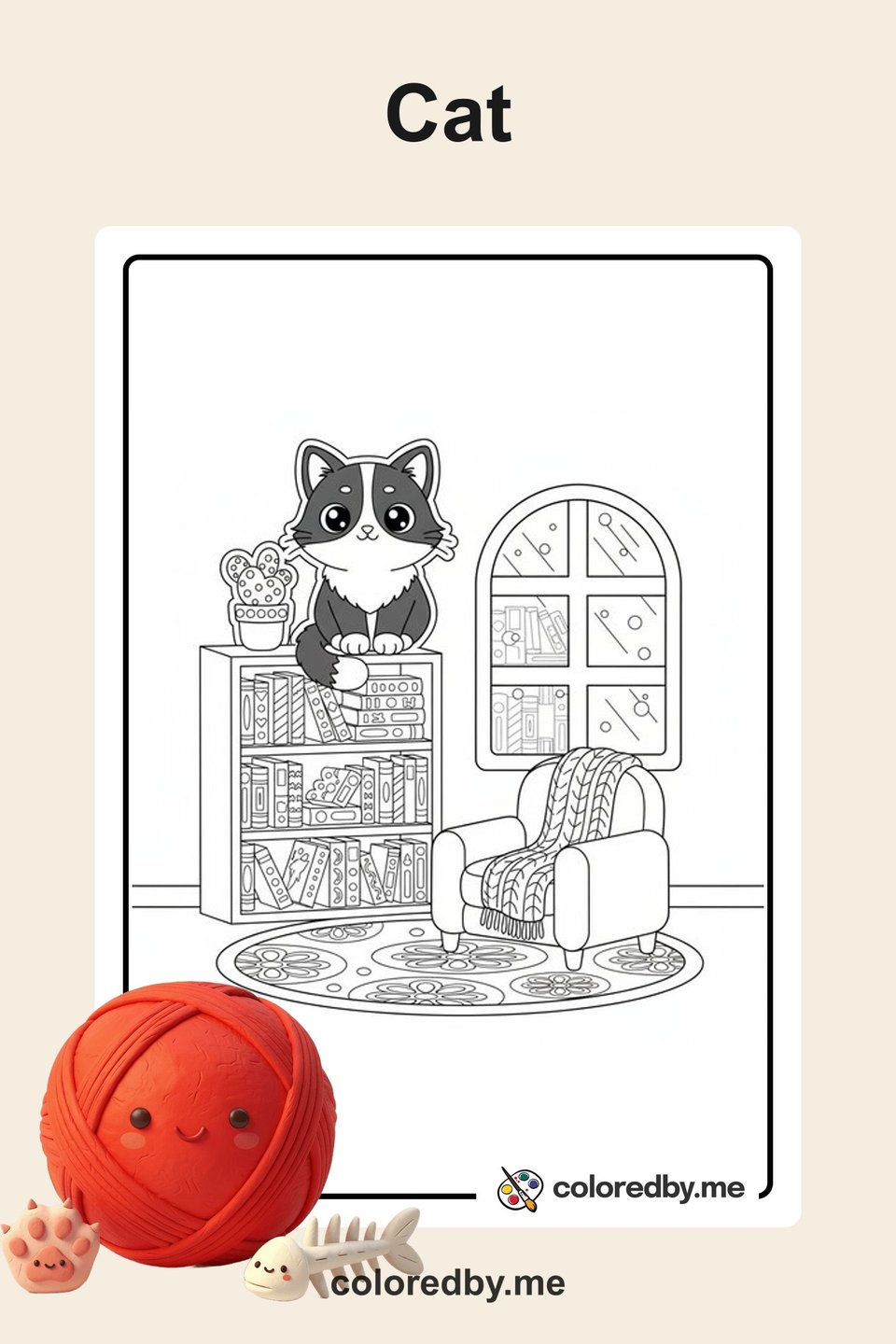
Cat
Free printable cat coloring pages for kids and adults. Cute kittens, playful cats, and detailed feline designs to download and color.
50 coloring pages
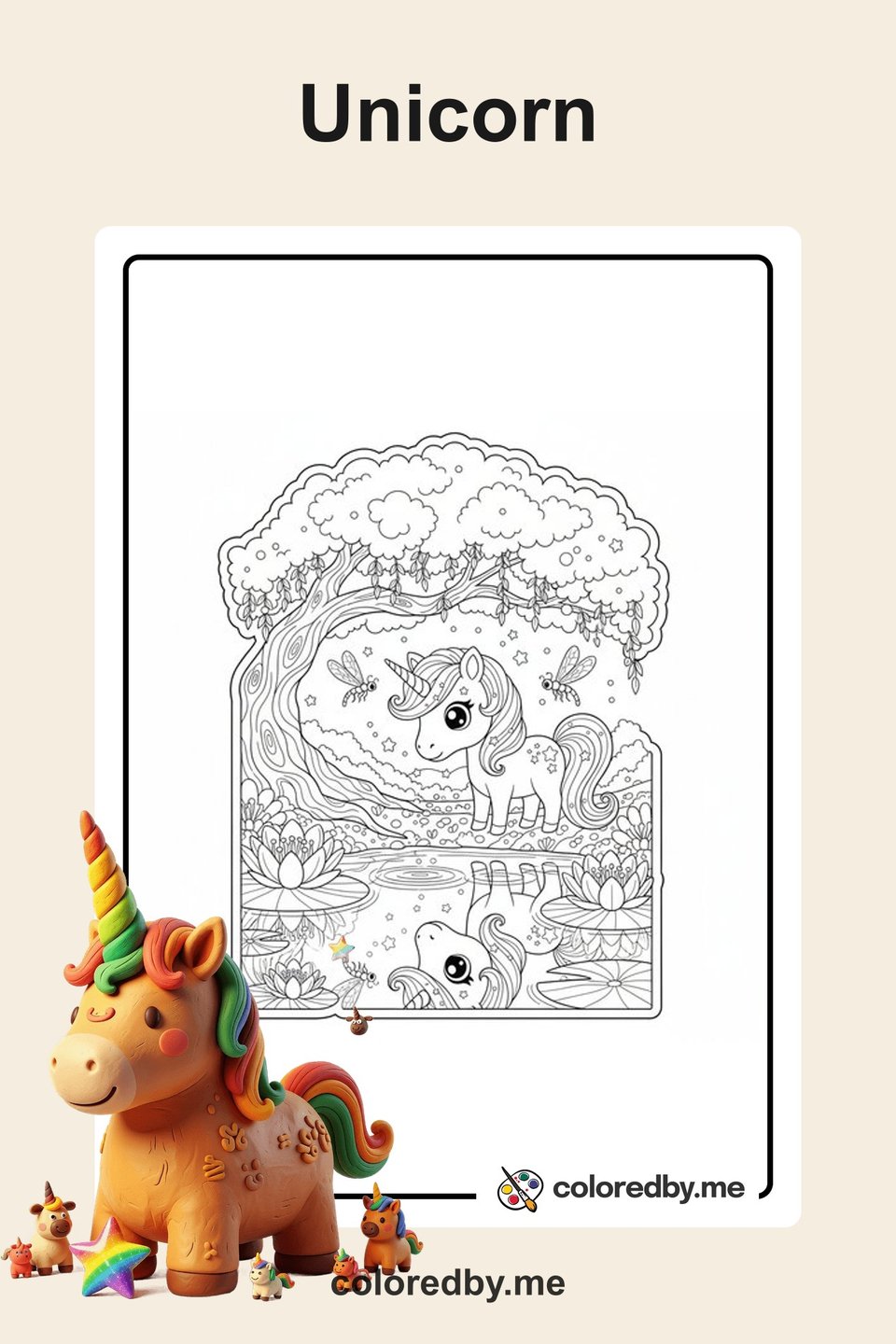
Unicorn
Free printable unicorn coloring pages for kids. Magical unicorns, rainbow manes, and enchanted fantasy scenes to download and color.
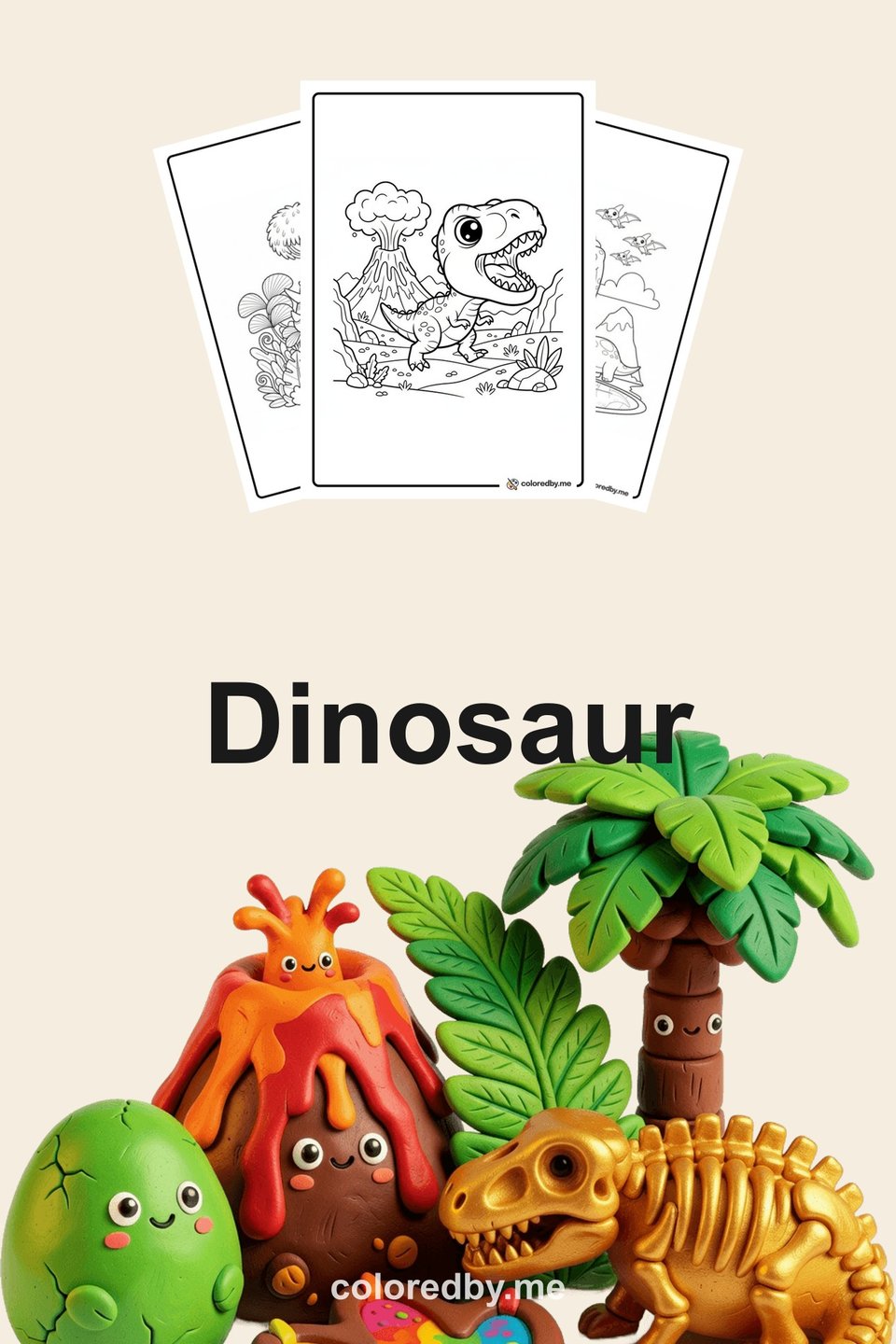
Dinosaur
Free printable dinosaur coloring pages for kids. T-Rex, triceratops, and prehistoric adventure scenes to download and color.
Your next coloring page is one click away.
5 free pages every day. No sign-up needed.
Start creating free